Case management
When you'd use this
After promoting an alert to a case (or after an agent escalation arrives in your queue), this runbook walks through the case lifecycle: investigating, documenting evidence, coordinating with other analysts, and closing with a verdict.
Case lifecycle
A case moves through these states:
investigating, the default when a case is created.in_progress, an analyst has claimed it.escalated, handed up to a senior analyst or a manager.suppressed, closed as a false positive; evidence retained for the configured window.closed, resolved with a verdict.
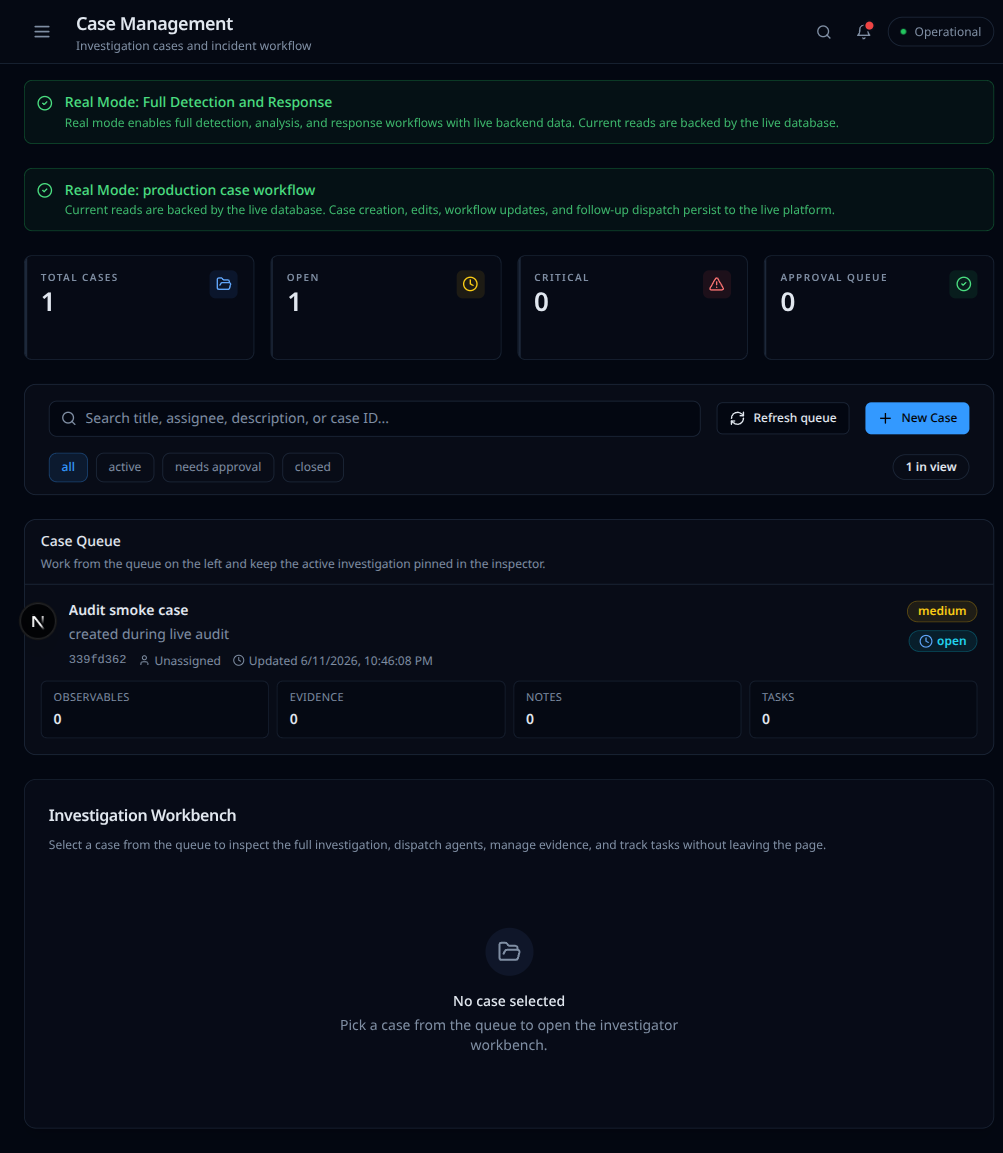
The Case Management page is the queue plus an investigation workbench. Pick a case on the left to open its timeline, observables, evidence, and tasks on the right.
Adding evidence
Every case has an evidence locker backed by a WORM-tagged object store. Drag a file into the case detail page or call the evidence API directly; the system stores the file, hashes it (SHA-256), and appends an entry to the chain-of-custody ledger. The hash and timestamp are permanent; the file body can only be deleted by a separate retention job.
Promoting an alert
Cases are typically promoted from alerts (see Alert queue triage). The promote action copies the alert ID, the source, the severity, and the detection context into the new case, then links the alert back to the case. The alert keeps its own ID so future deduplication still works.
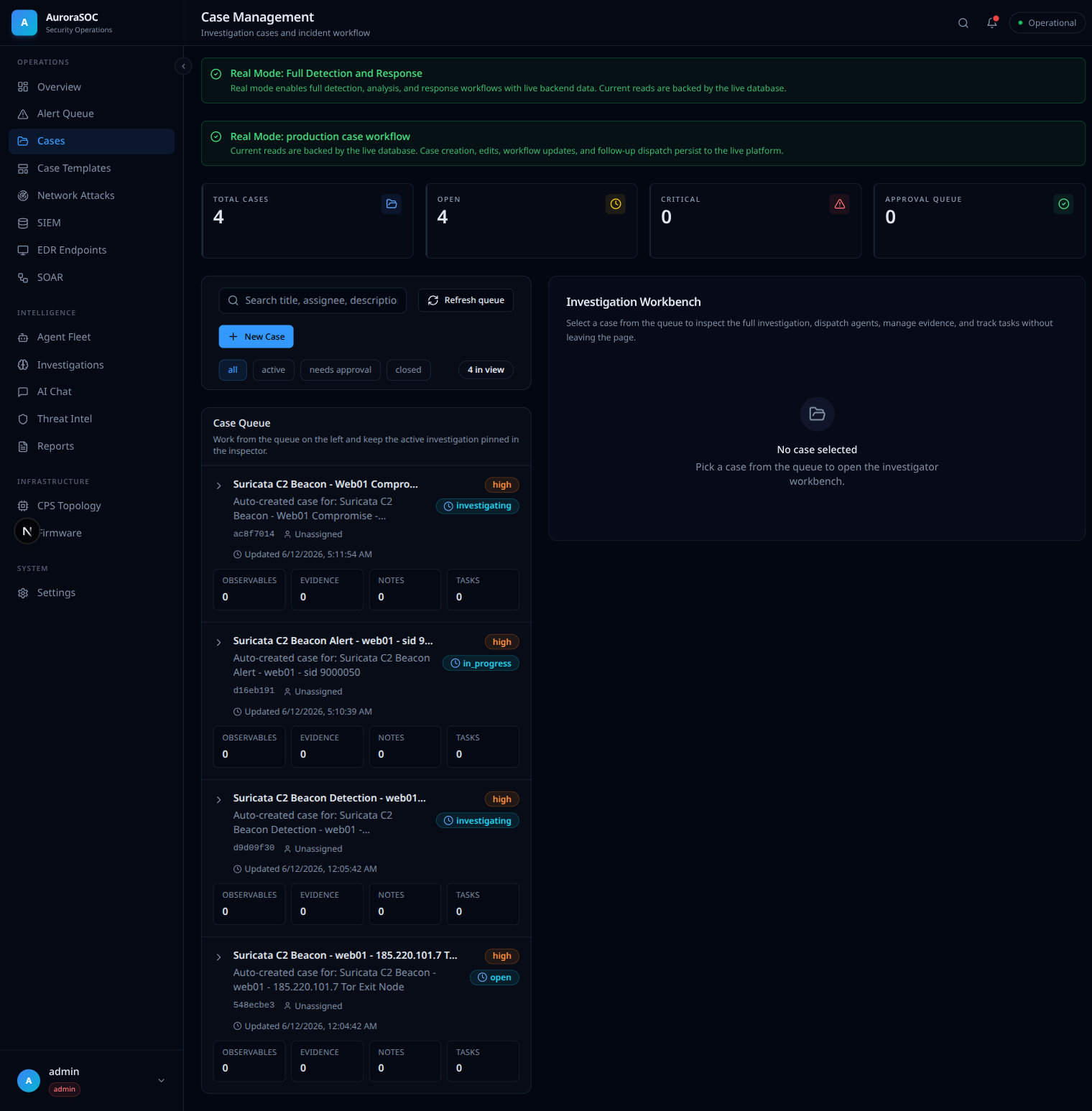
Agents also open cases on their own. When the orchestrator finishes an
investigation it calls the create_case tool, names the case from what
it found, and sets the severity it assessed. The cases below were all
auto-created by the fleet during a C2-beacon investigation and escalated
to high severity:
Coordinating with peers
The case detail page hosts comments and tasks. A task lets you assign a piece of work to a peer with a due date; the task queue is visible from each analyst's home page. Comments support markdown and at-mentions. Both surfaces are persisted in the case audit trail and are visible in the investigation events timeline.
What goes wrong
- The case status will not move out of
investigatingeven after assigning yourself, the assignment failed silently in an older deploy. Refresh and check the audit trail; if the assignment event is missing, retry. File the issue if it repeats. - An evidence upload returns "WORM rejected", your operator
account lacks
case:evidence:writeor the bucket is at capacity. The error message names the cause. - A case stays open past the SLA, the dashboard's "Open Cases" KPI surfaces the count. Long-running cases without activity surface in a separate report under Reports.