Network attack triage
When you'd use this
Suricata, Zeek, NetFlow, and the other network telemetry sources funnel into the network-attack correlator. This runbook is for analysts who pick up a correlated attack from the dashboard or the network-attacks page and decide what to do about it.
What you see
The Security Overview dashboard's "Correlated Network Attacks"
panel lists the top five recent correlations with severity
tinting, the confidence percentage, the source/destination
addresses, and a chip showing whether a case already exists
(case) or the attack is still in triage (triage).
The full list is at the Network Attacks page. Filters cover severity, category (C2 beacon, lateral movement, credential access, exfiltration, recon, ...), telemetry family, and status.
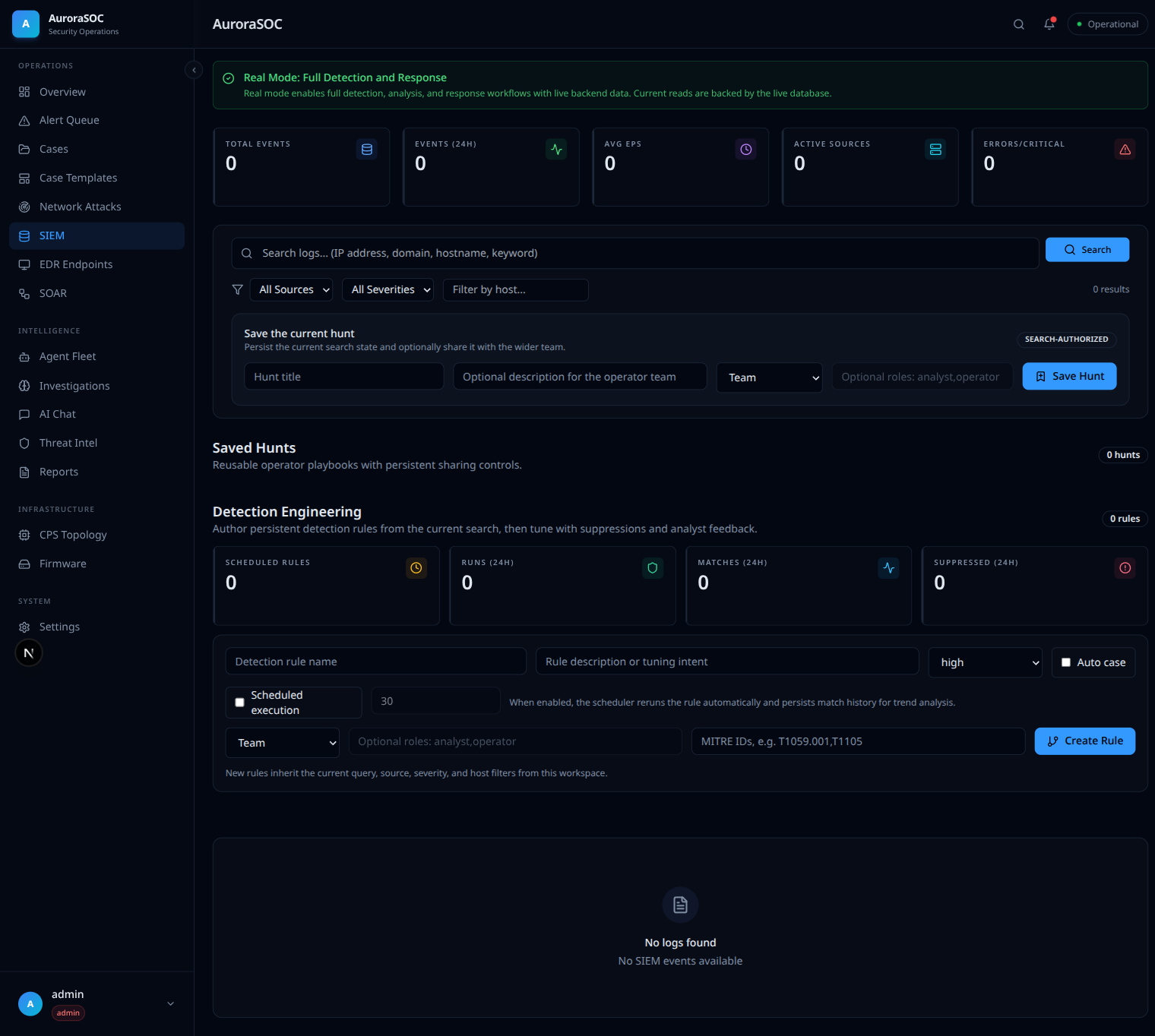
The underlying events live on the SIEM page, which also hosts saved hunts and the detection-engineering rule builder for writing the Sigma and correlation rules that produce these attacks:
Deciding
For each attack:
- Read the confidence number. The correlator weights multiple signals; a low-confidence attack is usually a single suspicious flow without corroborating evidence and may be worth a closer look but not an immediate response.
- Check the case link. If a case already exists, your work goes there. If not, decide whether the attack warrants a new case (one click) or whether it can stay in triage until more evidence arrives.
- Inspect the MITRE techniques the network-security findings cite (visible in the Findings panel). Each technique chip links into the MITRE ATT&CK reference for context.
Actions you can take
- Open the case. The new case carries the attack ID, the related findings, and the source/destination pair as observables.
- Dispatch the Network Security agent. The agent reviews the correlation, queries the SIEM for related events, and proposes a response. If the proposed response is at L2 or L3, it lands in the approval queue.
- Block egress via the SOAR playbook. Goes through the approval queue because L2.
- Tag as false positive. Reduces the weight of future matches against the same telemetry pattern.
What goes wrong
- The attack severity climbs but the case link stays empty, the policy is to require an analyst decision before auto-promoting; the system surfaces the attack and waits. Click "Create case" to promote.
- The source IP is internal, the correlator does not distinguish; this often signals a lateral-movement scenario. Read the case context carefully.
- The "Reload" button on the panel does not change anything, the underlying correlator runs on its own cadence; manual refresh re-fetches the existing batch. Expect new correlations on the next correlator pass.