Getting started
What this page is
A first-touch guide for operators evaluating AuroraSOC. It assumes a deployment exists and walks through the smallest useful set of steps: sign in, see the alert queue, open a case.
Why it exists this way
The build prompt's quality bar reads: a new SOC analyst with no prior AuroraSOC experience can read the user docs from start to finish and be productive at triage by the end. This page is the first step in that path. It is deliberately small so it can be verified end to end before the rest of the user documentation is written.
How to use it
The operator console ships and the walkthrough below is live. Sign in, land on the Security Overview dashboard, and work from there.
-
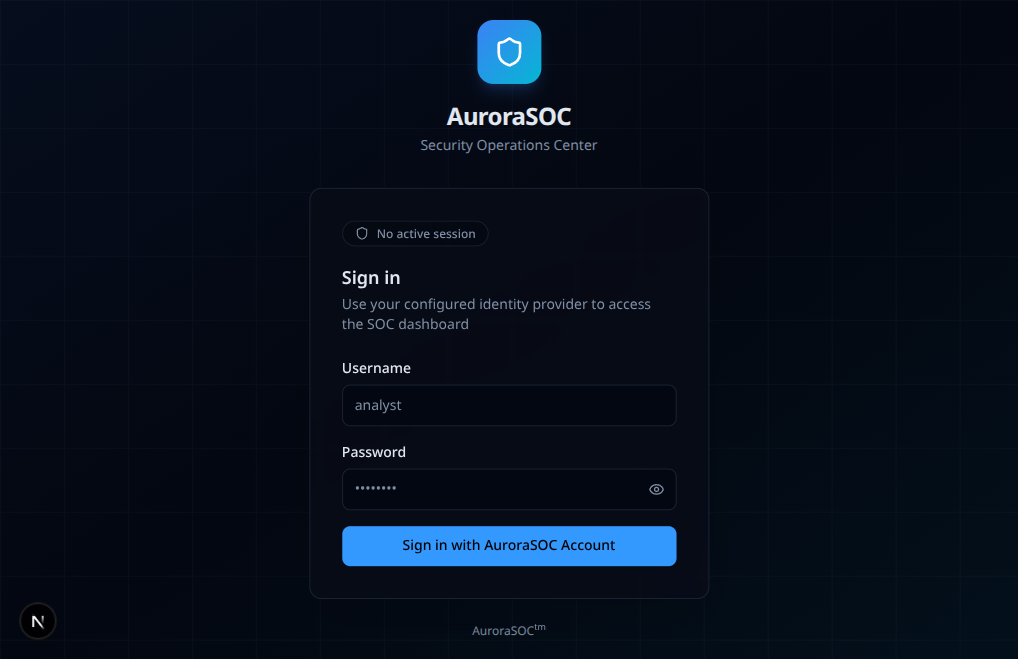
Sign in. Open the operator console at the URL your deployment uses. Authentication uses your organisation's identity provider (OIDC or SAML) or a local AuroraSOC account; the first sign-in may prompt for a step-up factor if your role includes any sensitive action.
-
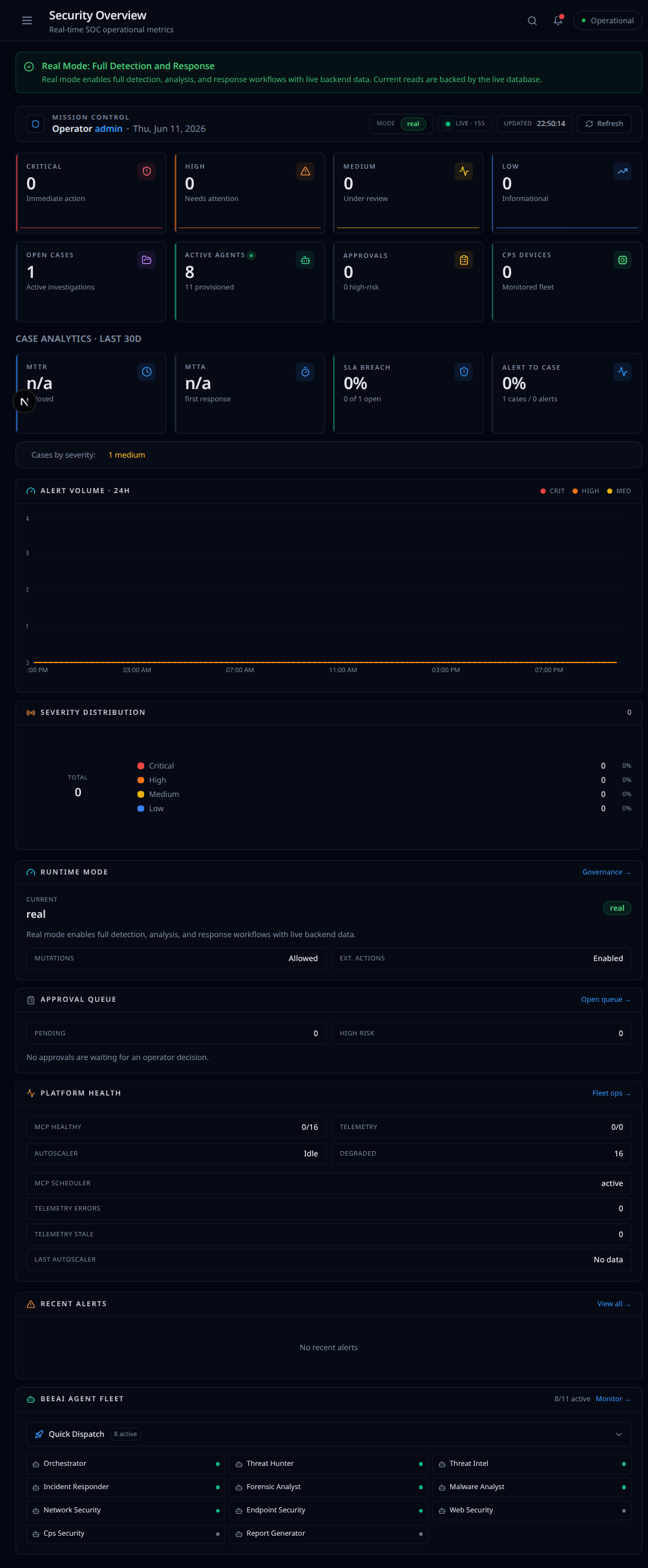
Land on the dashboard. After sign-in you arrive at the Security Overview: case analytics, alert volume, severity distribution, platform health, and the agent fleet. The left rail is your map to every surface (alerts, cases, SIEM, EDR, SOAR, agents, and more).
-
Triage your first alert. Open the alert queue, pick an alert, read the agent's triage summary (if an agent has worked on it), and decide: acknowledge, escalate, or close as benign with a structured root cause.
What goes wrong and how do you fix it
- I cannot sign in. Confirm that your identity provider is wired up to AuroraSOC and that your account has been provisioned. Your AuroraSOC admin can check this in the admin console.
- The alert queue is empty. Either no alerts have been produced yet (a quiet site) or the ingest pipeline is not running. The header shows ingest-pipeline health.
- An agent's triage summary is missing. Agent-assisted triage runs asynchronously; if the system is under load, summaries can take a minute or two to appear. The case-detail page shows the agent's status.