User documentation
What this section is
The user documentation describes how to operate AuroraSOC: how to triage an alert, investigate a case, run a threat hunt, configure automation, approve agent actions, manage facilities and CPS devices, and produce reports. It is written for SOC analysts, SOC managers, IT admins who deploy AuroraSOC, facilities operators who use the CPS surface, and executives who consume the reports.
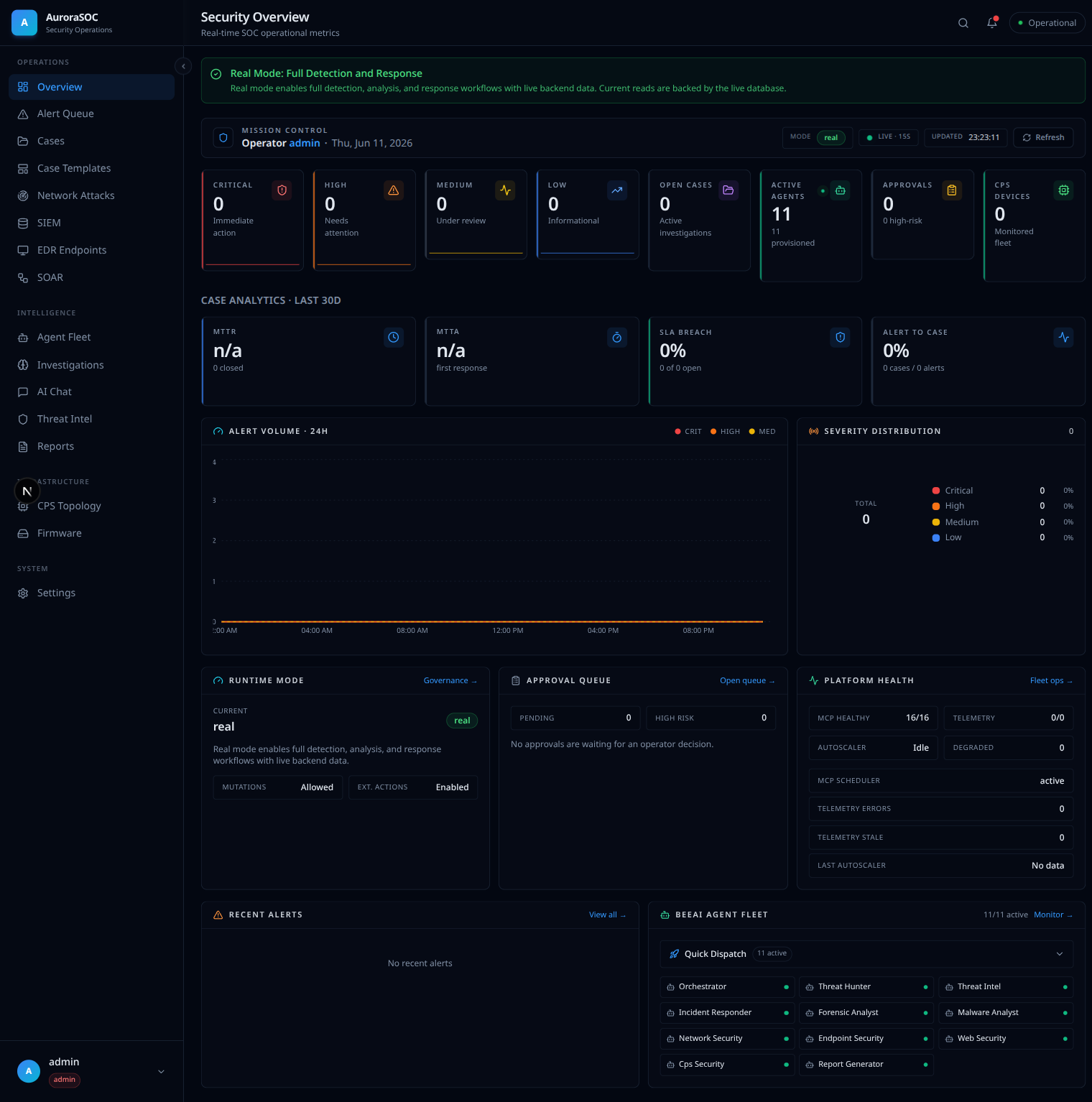
The Security Overview dashboard, backed by live data: case analytics, alert volume, severity distribution, platform health (MCP 16/16), and the agent fleet (11/11 active).
How to read it
Each page answers four questions, in order:
- What is this.
- Why does it exist this way.
- How do you use it.
- What goes wrong and how do you fix it.
Beginners can read end to end. Experts can skip to the section they need; every page links to the adjacent ones.
What is here today
AuroraSOC's user documentation covers the full operator experience from first login to running advanced workflows. The pages are organised by audience need:
- Getting started walks through first steps once a deployment exists.
- Concepts explain the architecture and design decisions behind the platform.
- Runbooks cover day-to-day shift work for SOC analysts.
- Security documents authentication, RBAC, and API key management.
- Troubleshooting helps diagnose common issues.
The STATUS file at the repository root lists what is shipped, what is in progress, and what is next.
Next
- Getting started walks through the first steps once a deployment exists.
- Concepts explains how agentic AI transforms the SOC.